
Scan cards to
get started.
Point your phone at any trading card. PullBinder reads the name, set, and number. Add it to your collection and it's marked: a mark on every card we have one for.
Runs in your browser. Nothing to download.


1
Scan it
Take a photo with your phone, or drop in photos you already have.
2
We read it
AI pulls the card name, set, and number, and the match shows up for you to check.
3
See its mark
Add it to your collection in one tap. Once it's in, it carries a mark: a mark on every card we have one for.
Other ways to get your cards in
Drop in photos you already have
Upload pictures of cards you own. Each match shows up for you to check.
Upload photos →PokémonMagic: The GatheringYu-Gi-Oh!One PieceLorcanaStar Wars UnlimitedFlesh and Blood
A number you can check, on every card we have one for.
Built from real sales and live listings, not a guess. You always see the range behind the figure.
See how estimates work →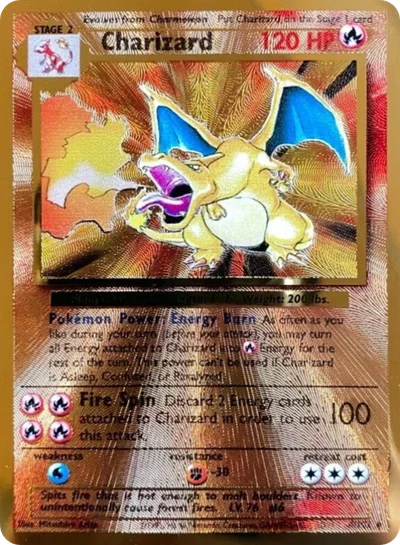 Charizard · Celebrations · #4/102 · Raw
$165
the median of the real sales and asks behind it
$165 mark
$155
$204
Questions
- Is scanning free?
- Yes. A free PullBinder account scans and tracks every card.
- Do I need to download an app?
- No. Scanning runs in your browser. On your computer, open Add Cards and scan the QR code with your phone, then photograph your cards: each one shows up on your computer to check and add. You can also drop in photos you already have.
- What happens after I scan?
- The match appears for you to check. Add it and the card lands in your collection, with a mark on every card we have one for. Log what you paid and track your gain.
- How good is the value?
- Every value is a mark, our estimate of what it would sell for, built from real sales and live asks, with the range shown. See how marks are built.